Governed email for your team and its AI assistants
Send professional email from the Google Workspace, Microsoft 365 and SMTP mailboxes you already use. Every message is checked before it leaves, held for a person when it needs approval, and kept on the record.
The platform
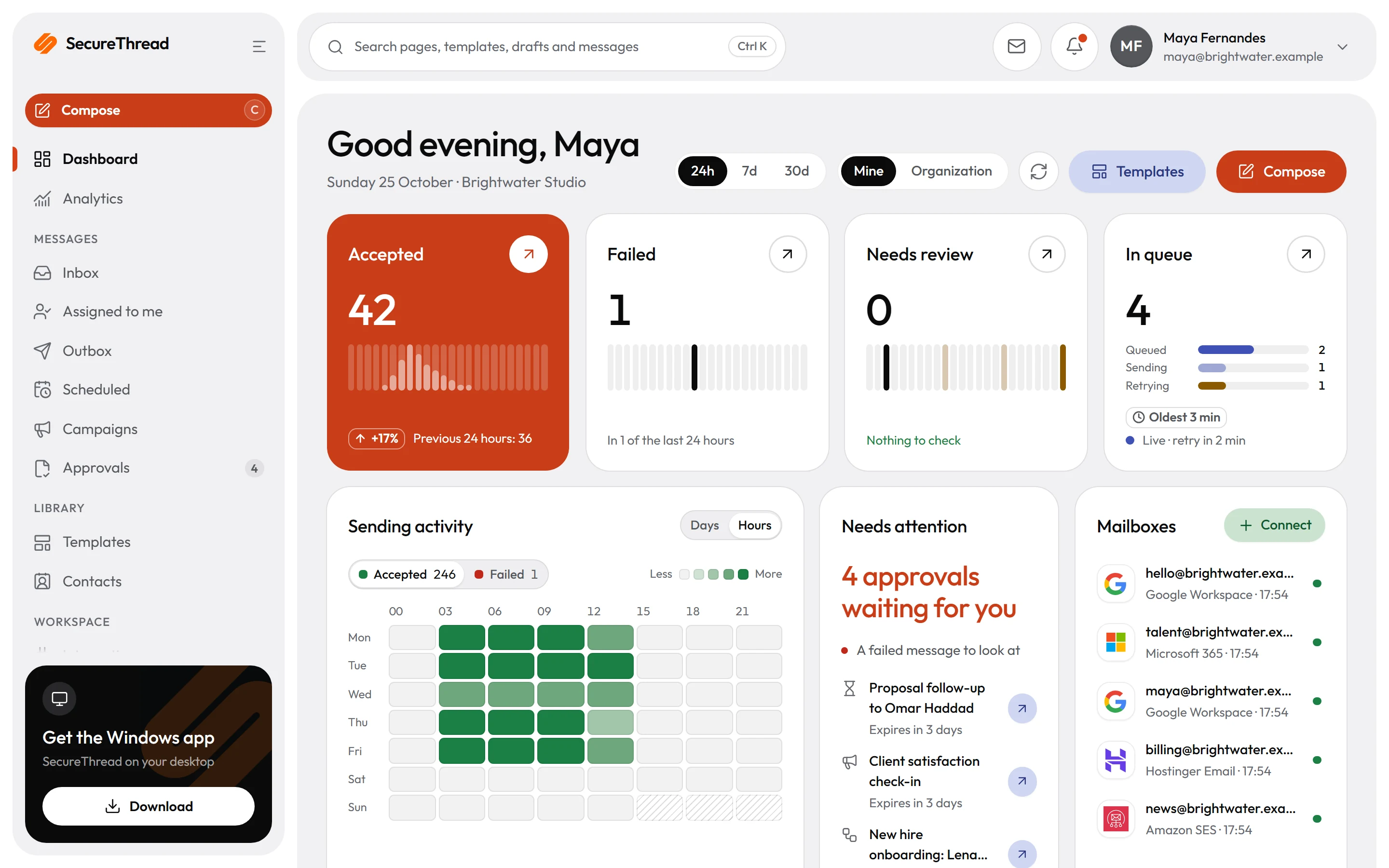
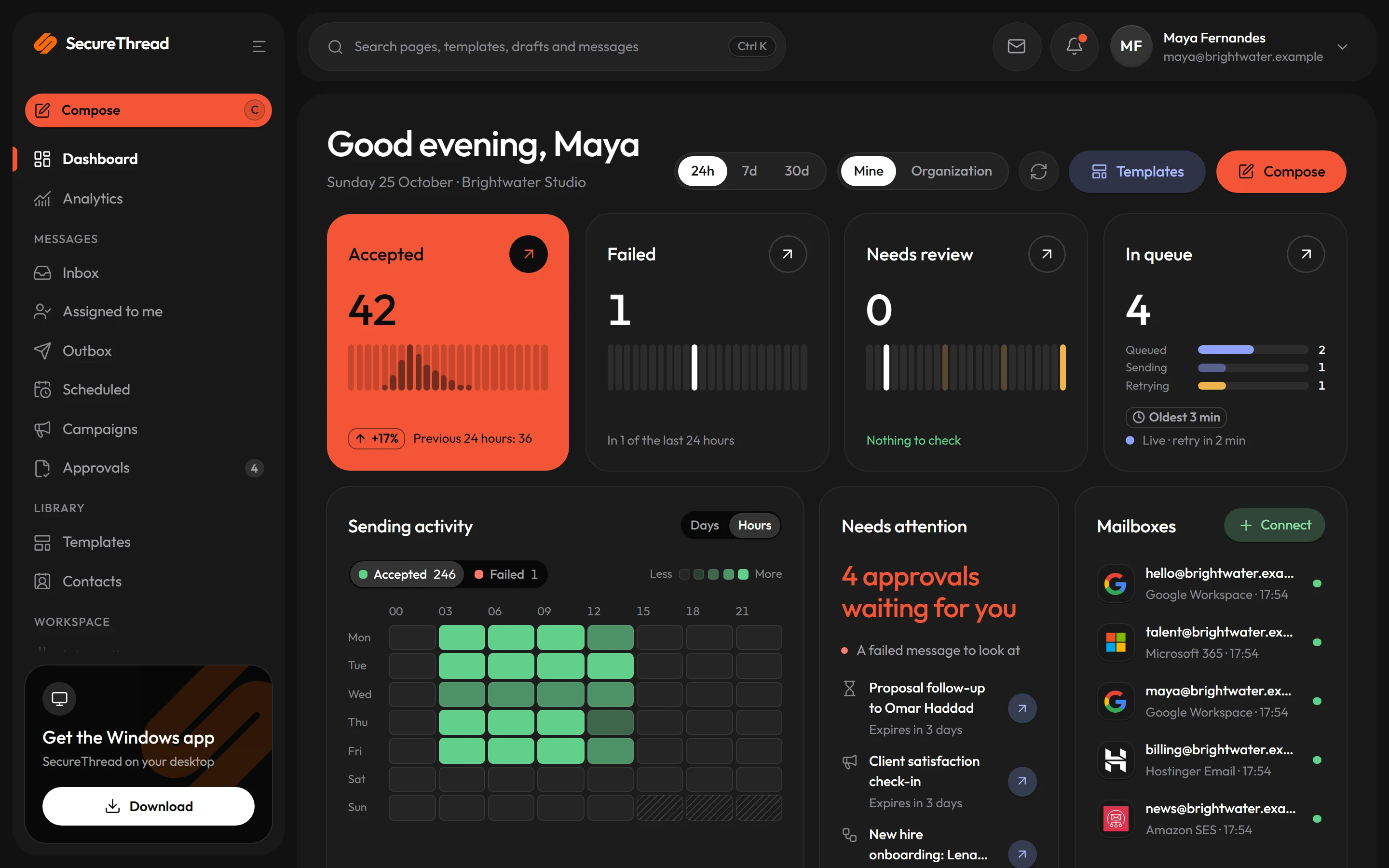
One place for every email your organization sends
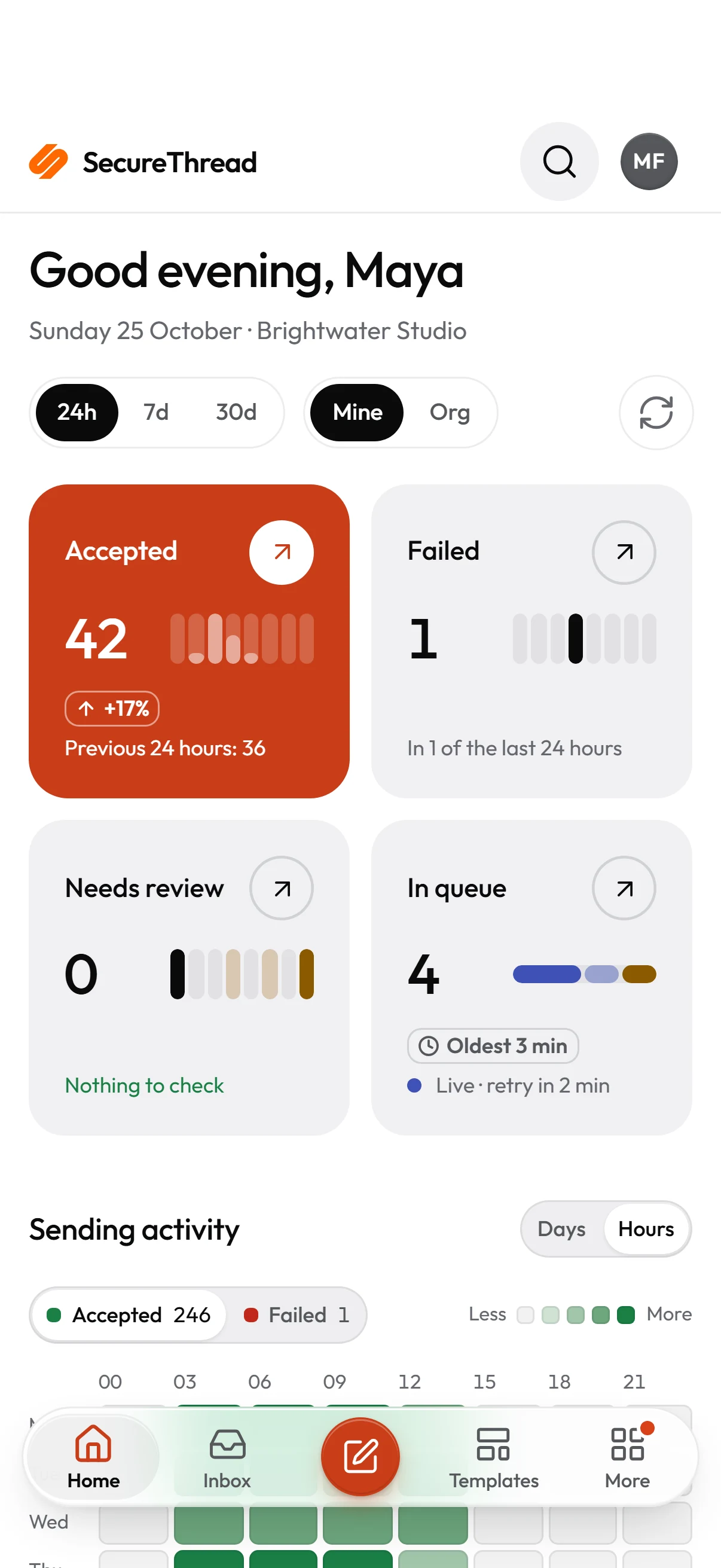
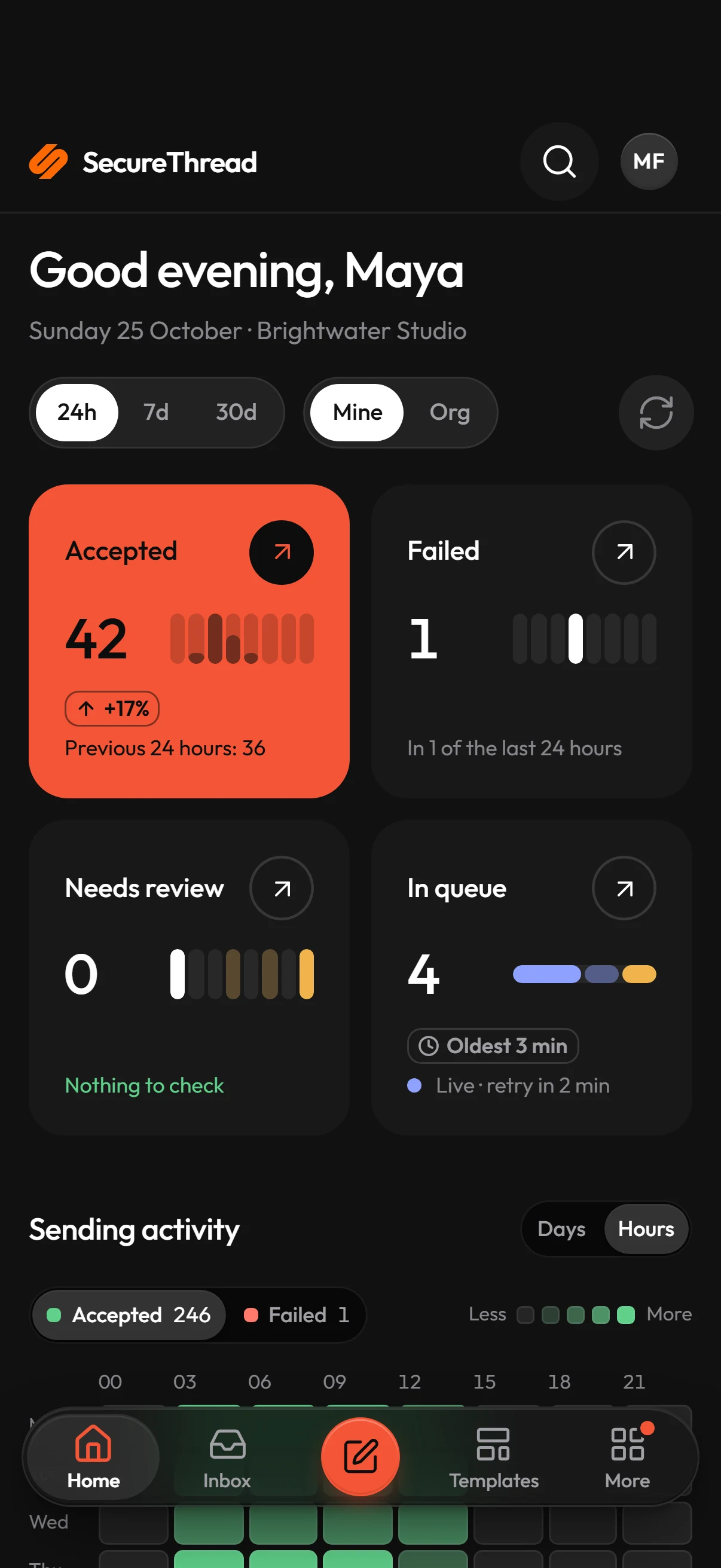
Compose, approve, send, read and measure, on the web, on Windows and on your phone. Built by ArcByte Studios in Bengaluru.
A product of

Real mailboxes, not a no-reply address
Mail goes out from a connected Google Workspace, Microsoft 365 or SMTP mailbox, or an approved sending domain, through that provider.
Checked before it leaves
Server-side sanitizing, content policy, and guardrails that catch personal data and secrets before a message is queued.
Held for a person when it matters
Approvals bound to the exact draft, rules for what needs review, and a human decision on every send an AI assistant asks for.
Tour
Everything a team needs to send well
Pick an area to see the real app.
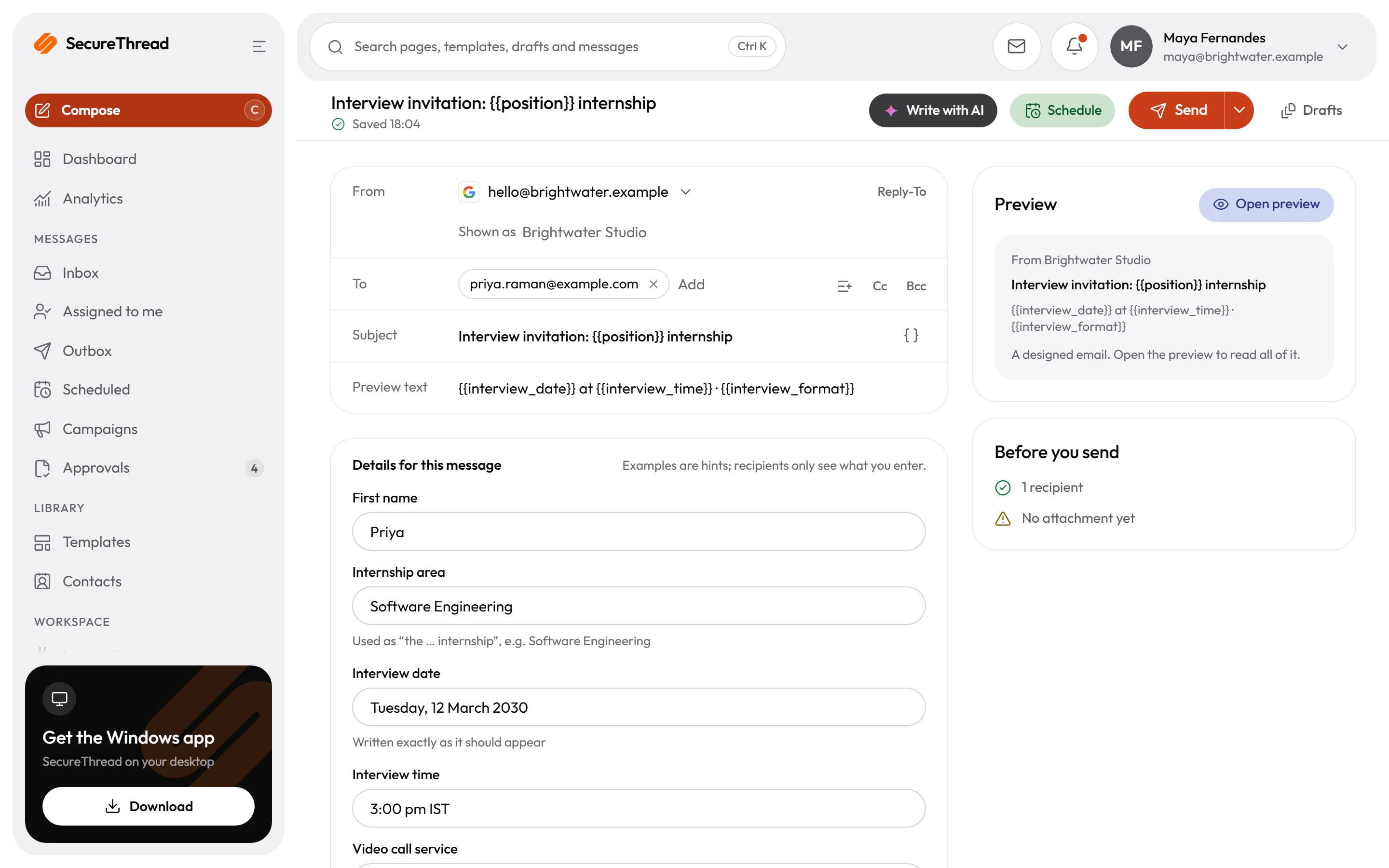
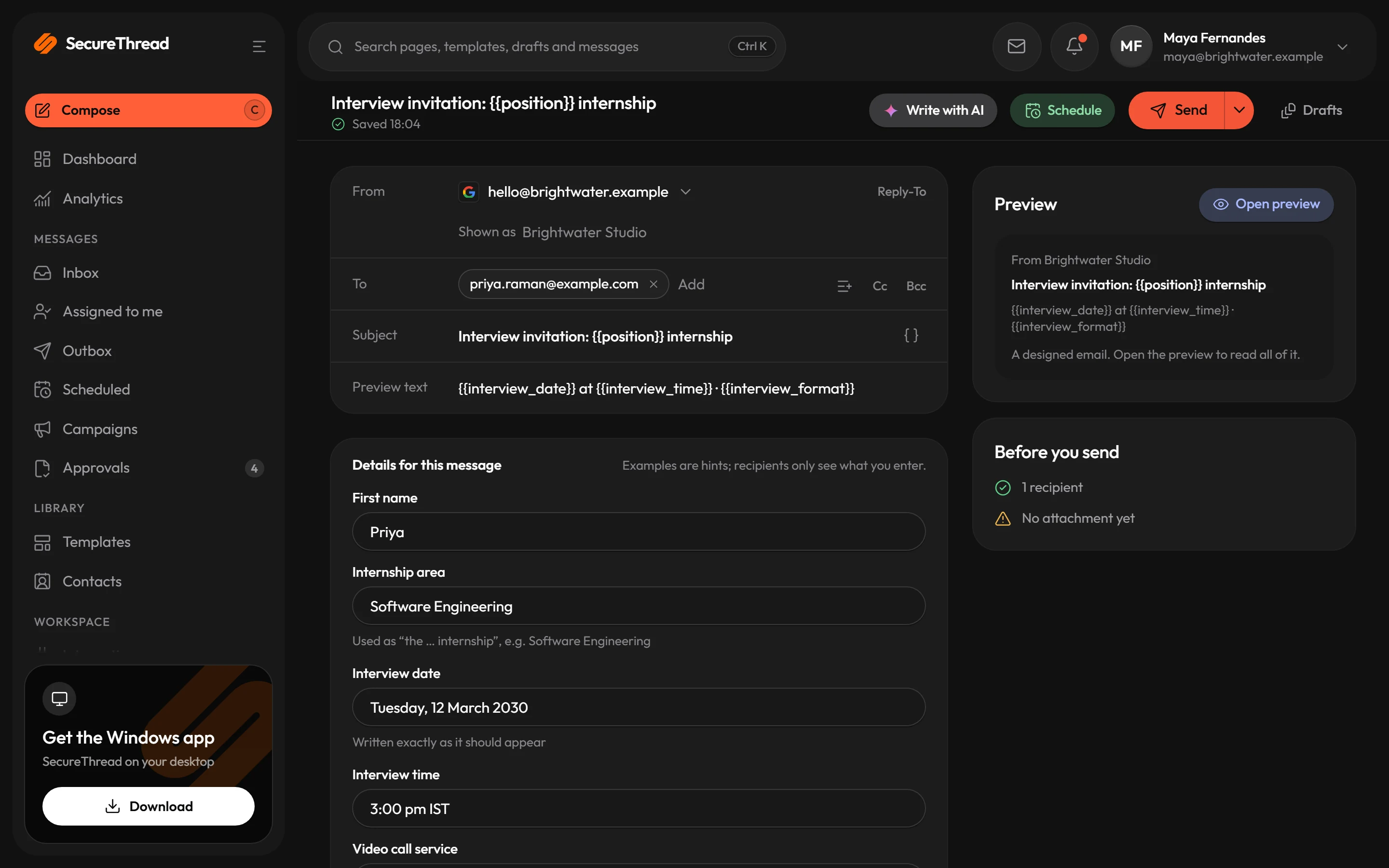
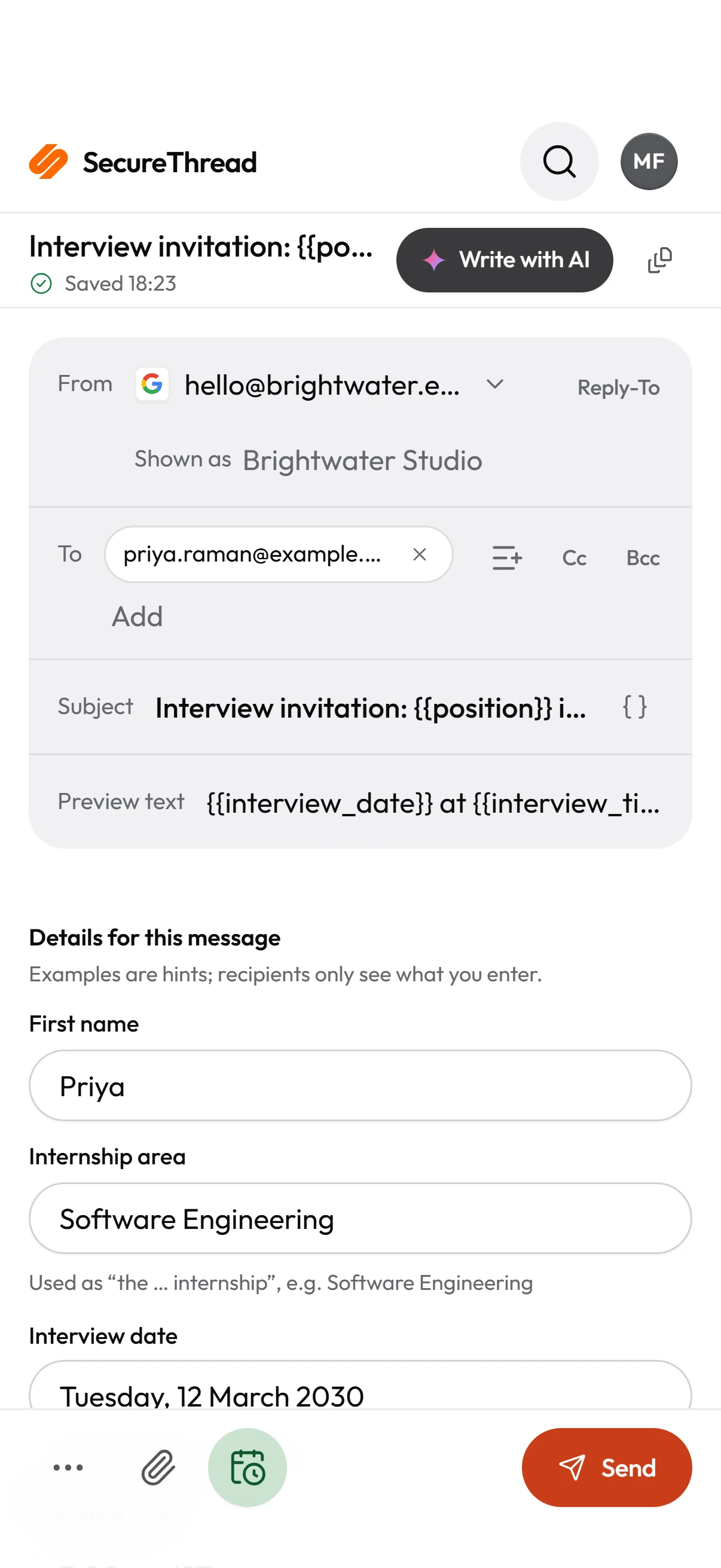
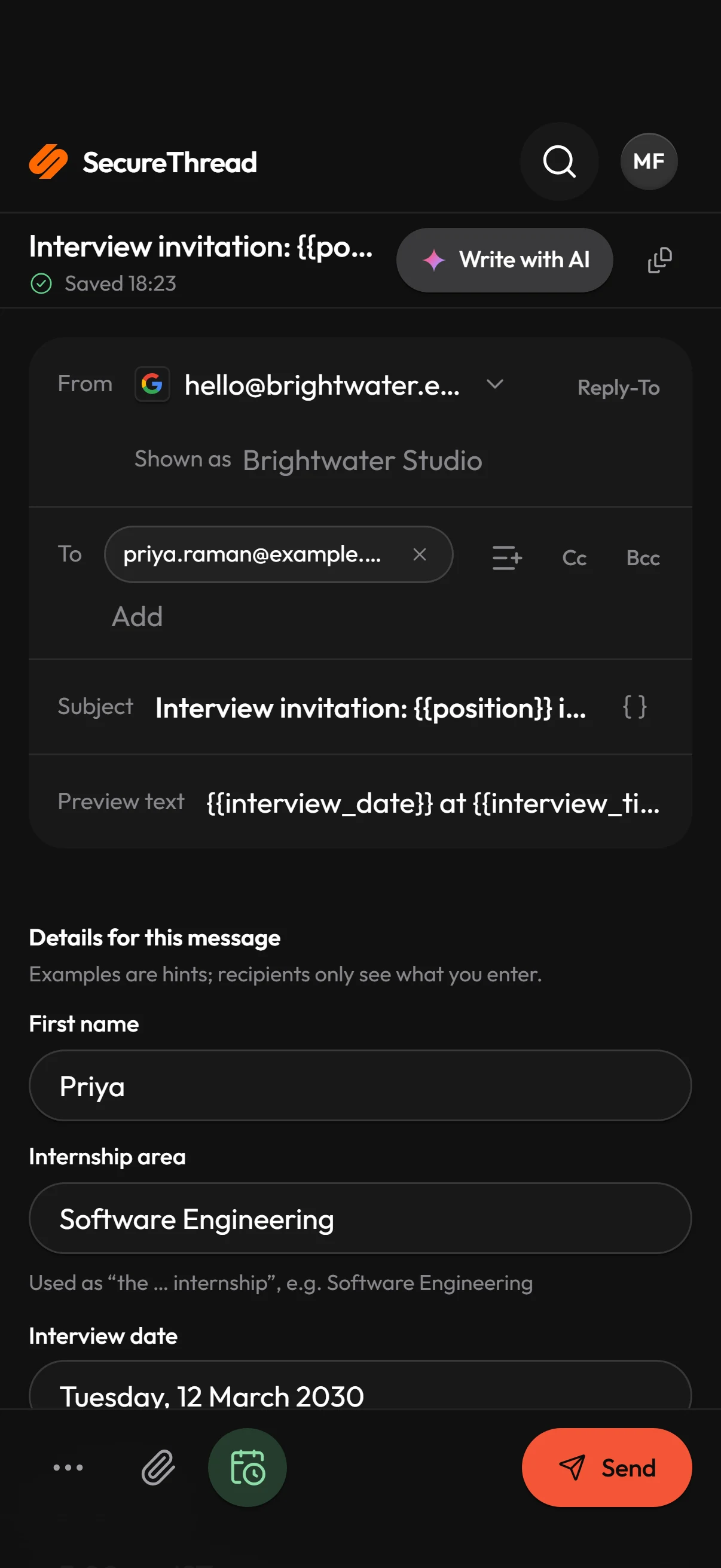
Write once, preview everywhere
A plain text box when that is all you need, a full designer when it is not.
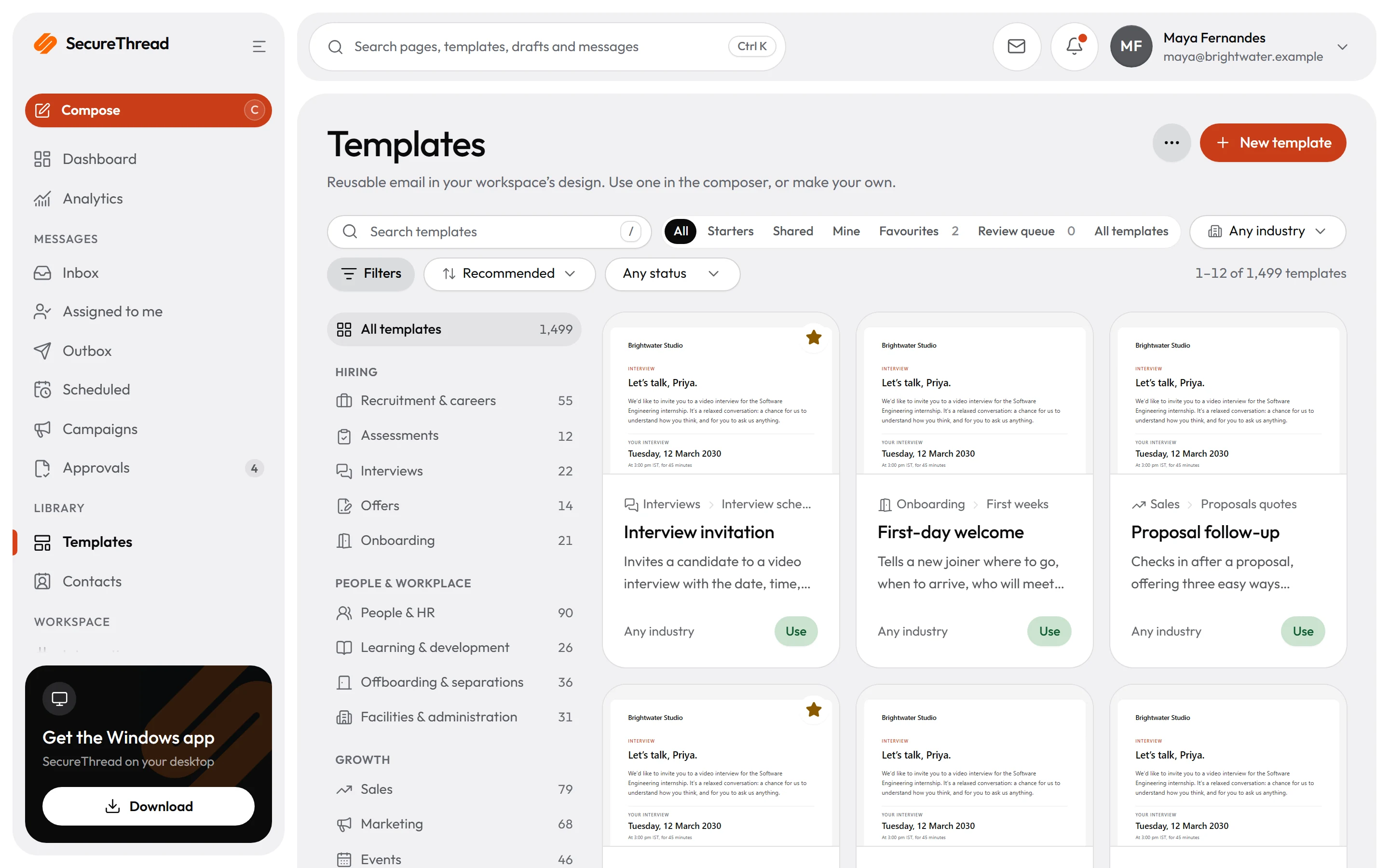
- 1,499 starter templates
- Desktop and phone preview
- AI drafting you switch on
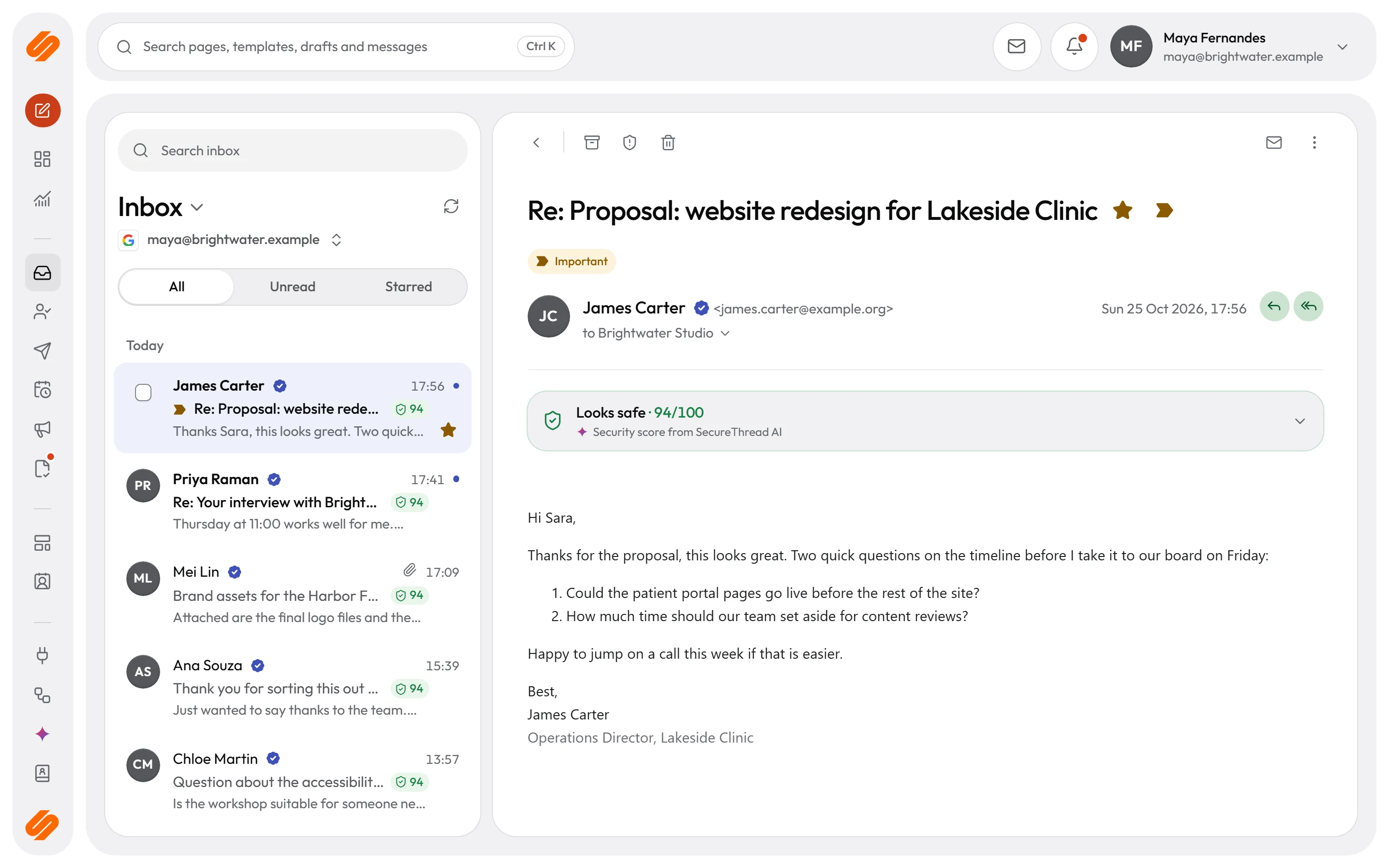
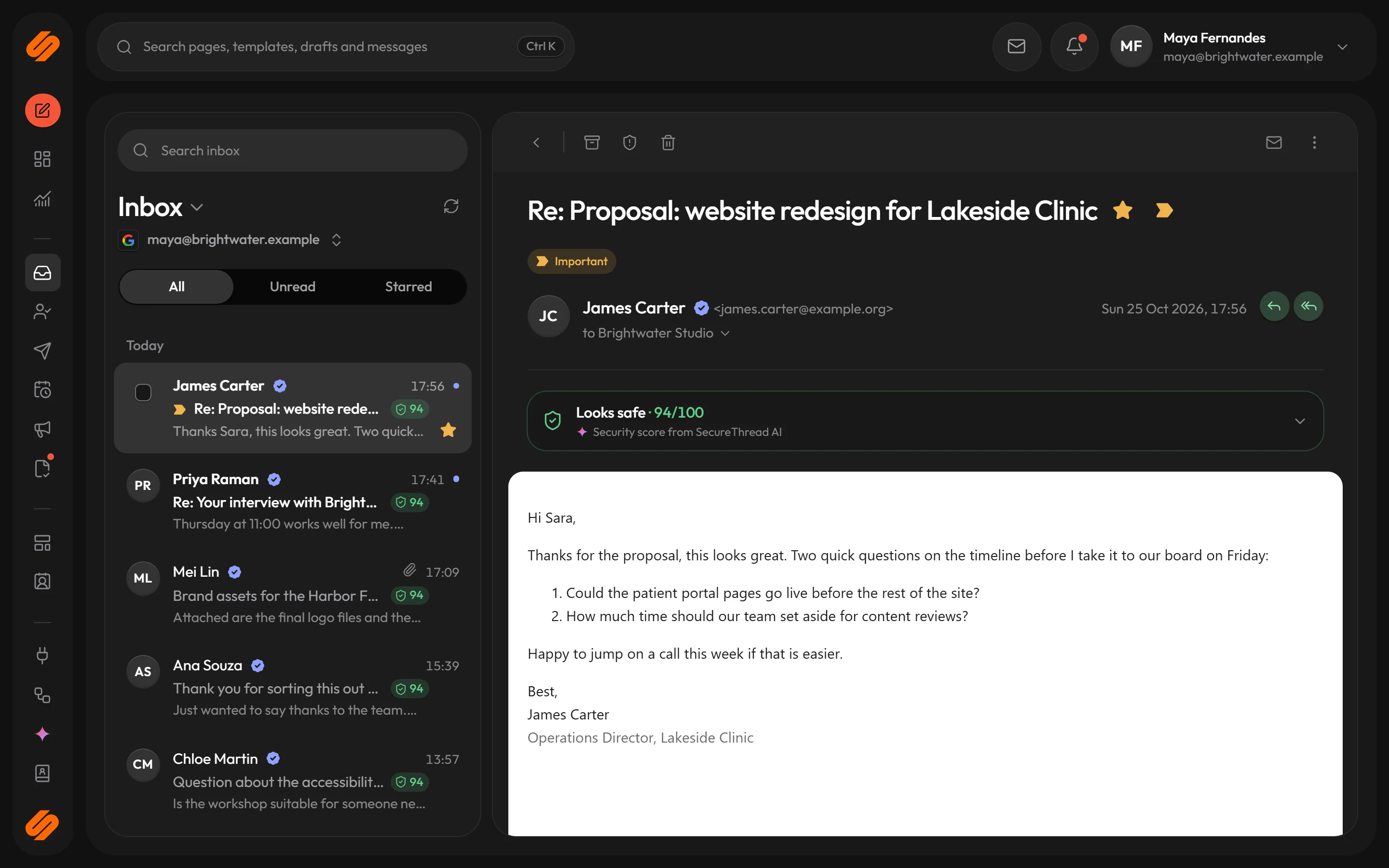
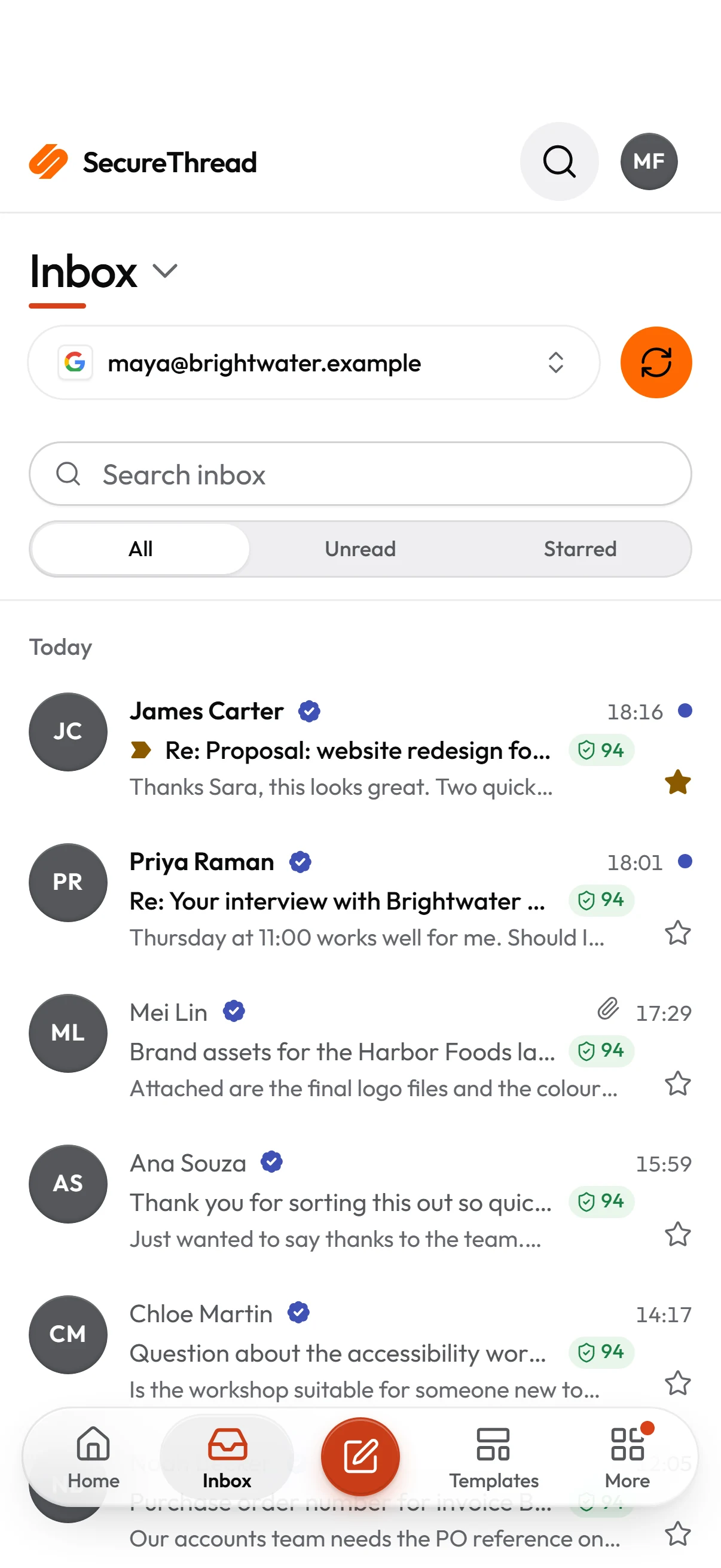
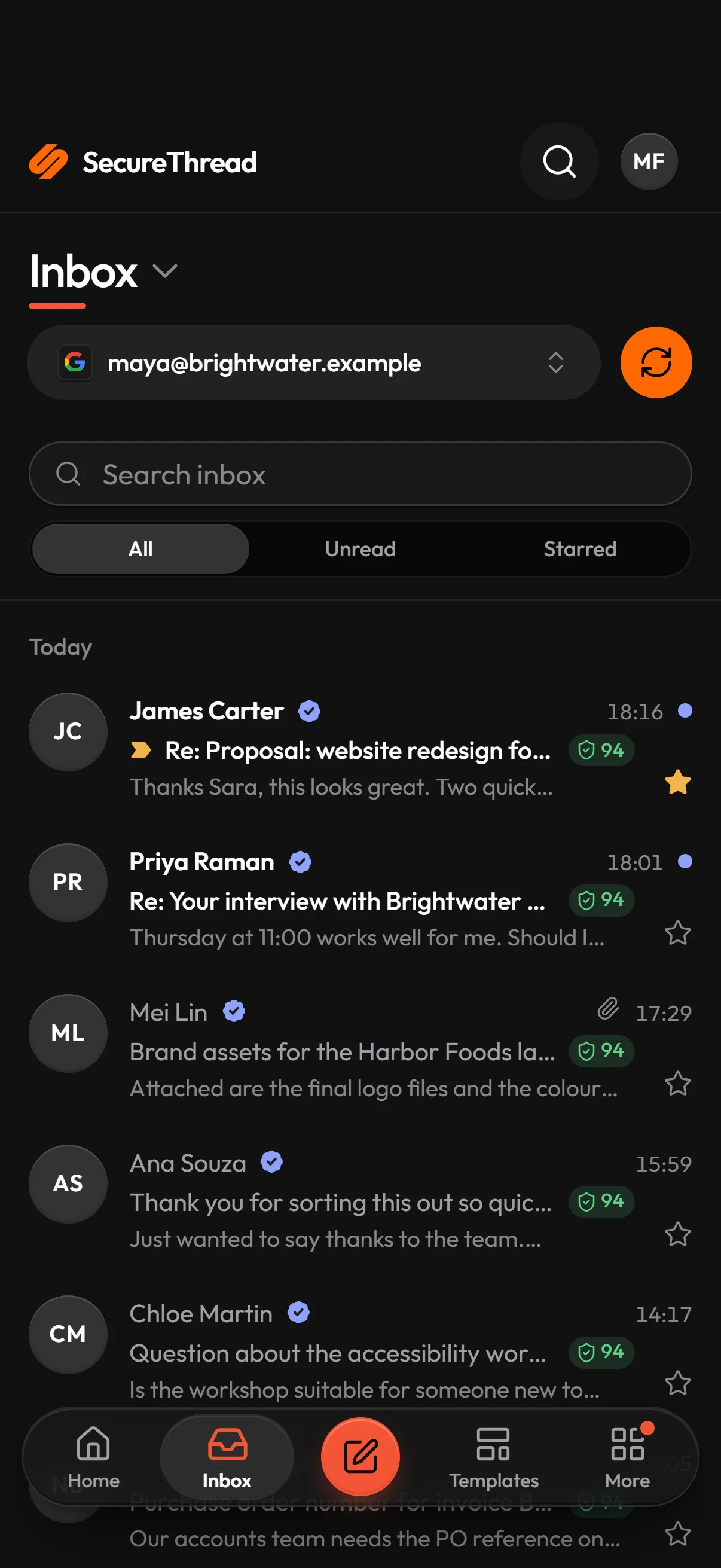
Every connected mailbox in one inbox
Read and answer mail from Google Workspace, Microsoft 365 and IMAP mailboxes, fetched on demand and never stored.
- Reply, forward, archive, junk
- Assignment and internal notes
- Remote images held back by policy
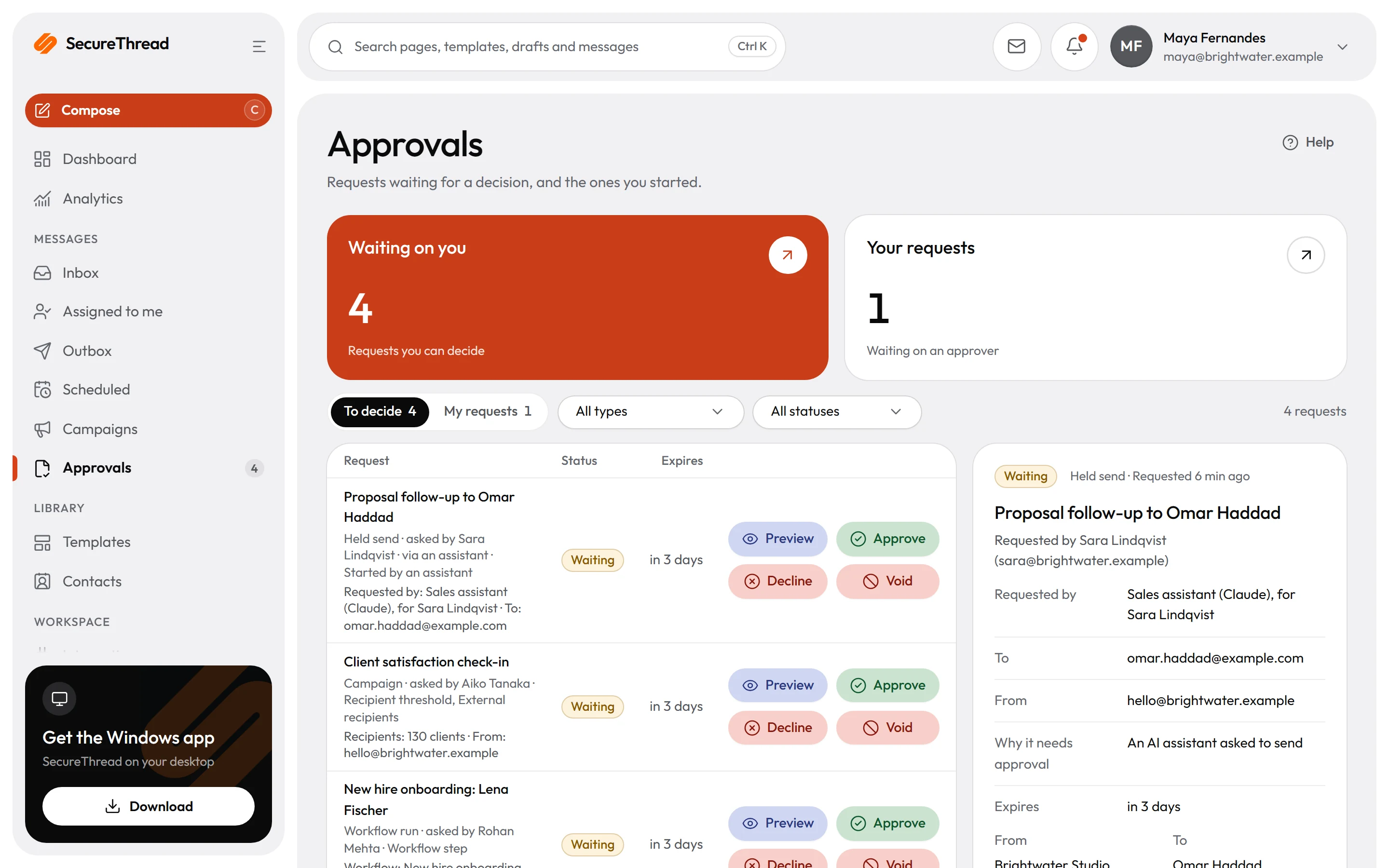
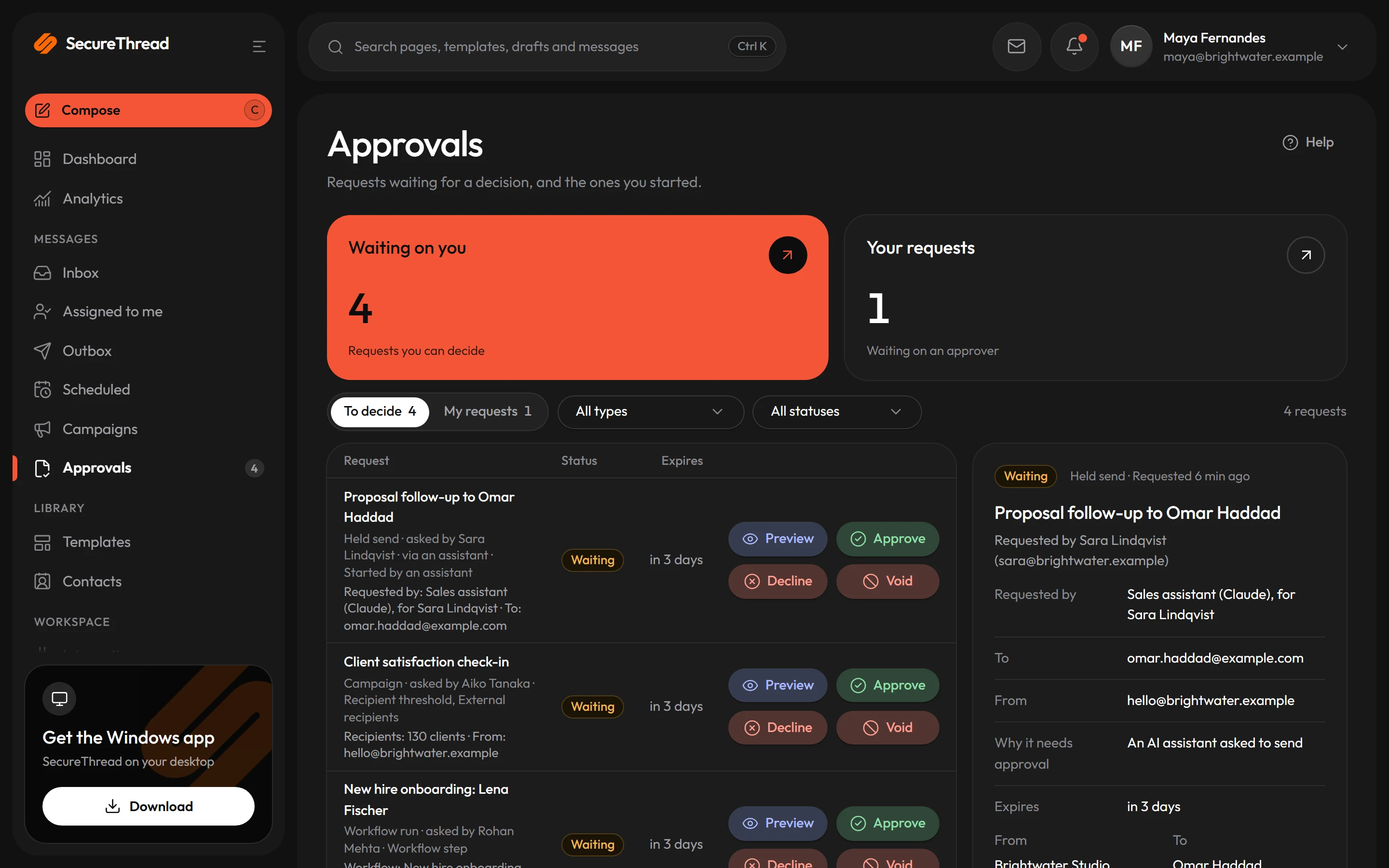
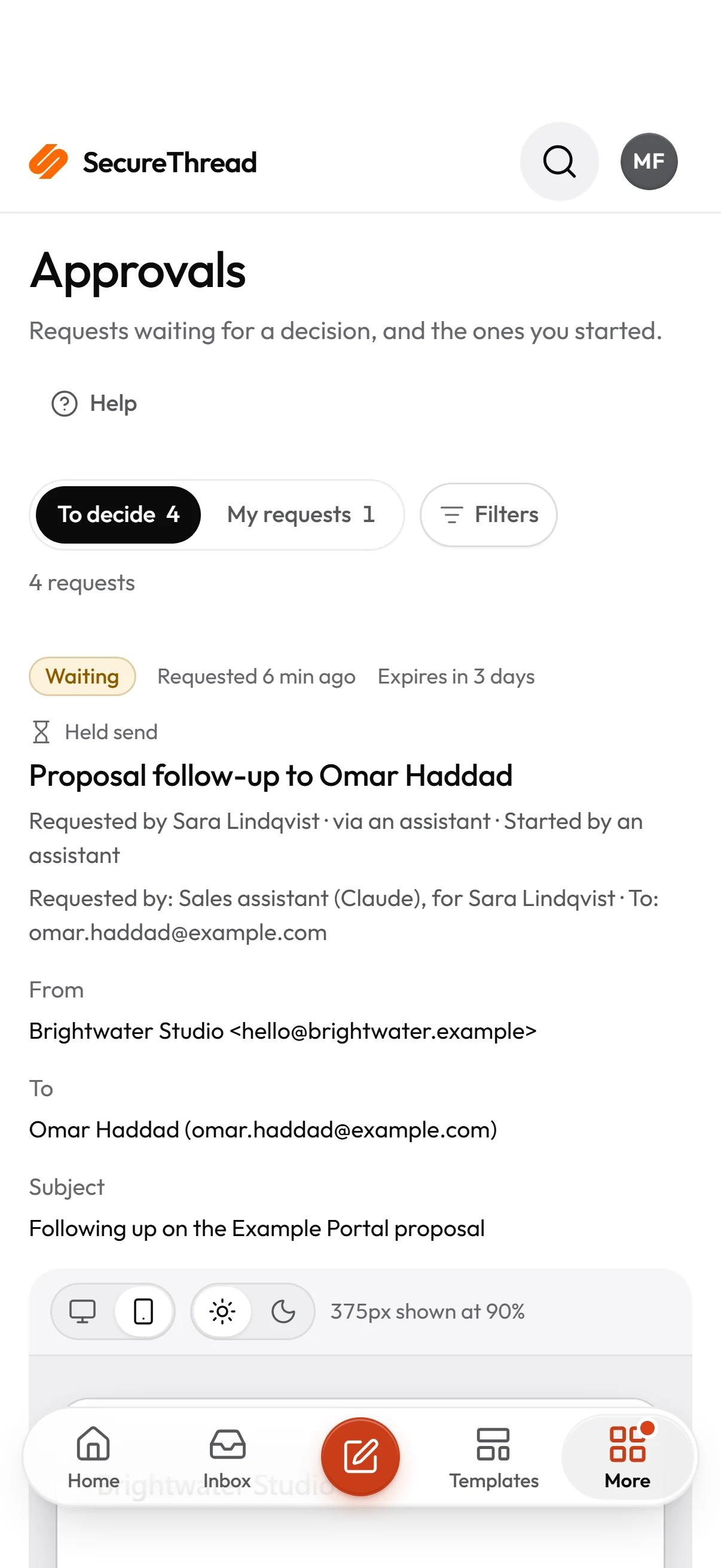
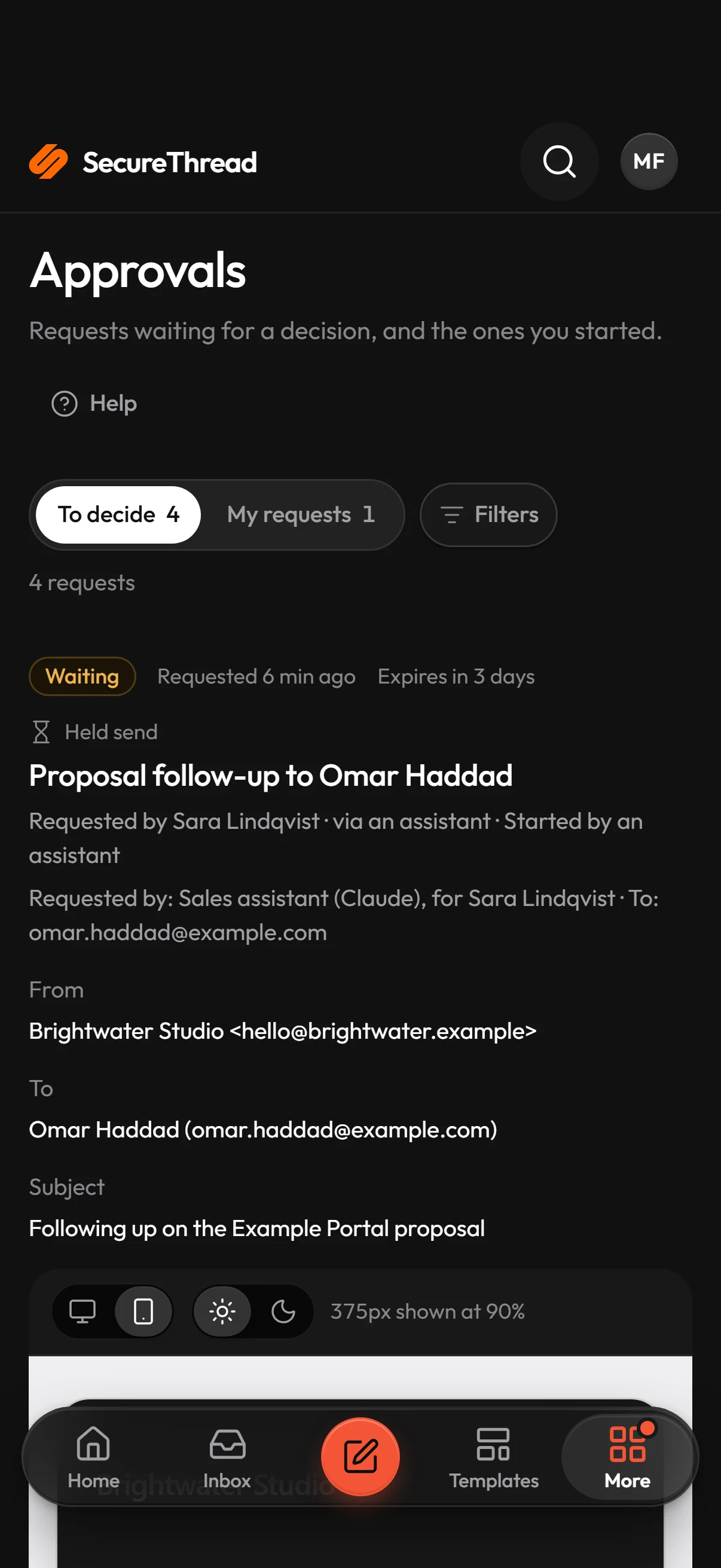
A person signs off the exact message
An approval is bound to the draft that was reviewed. Change a word and it needs approving again.
- Quorum of one to three approvers
- Risk rules decide what needs review
- Requests announced in Slack, Teams or email
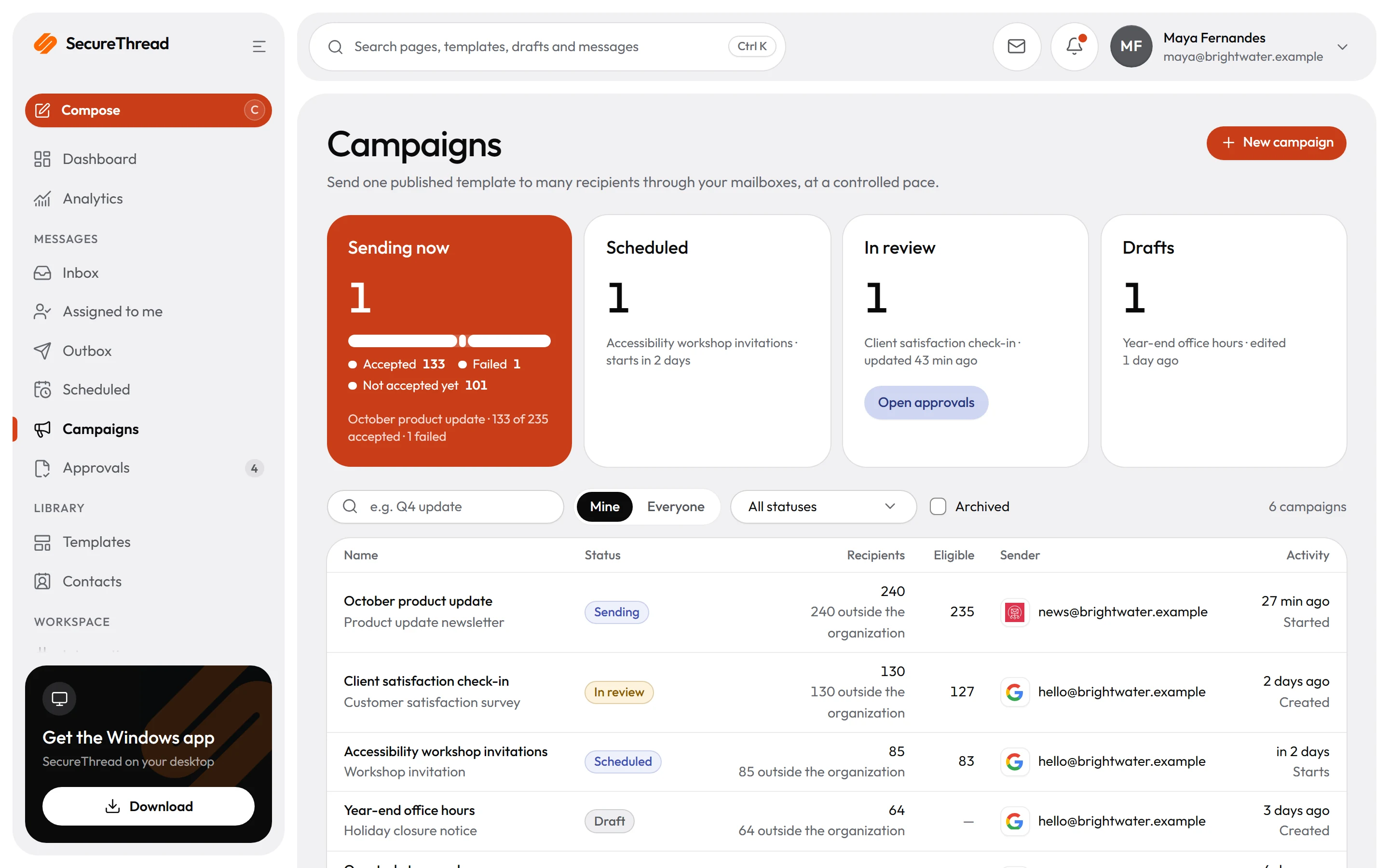
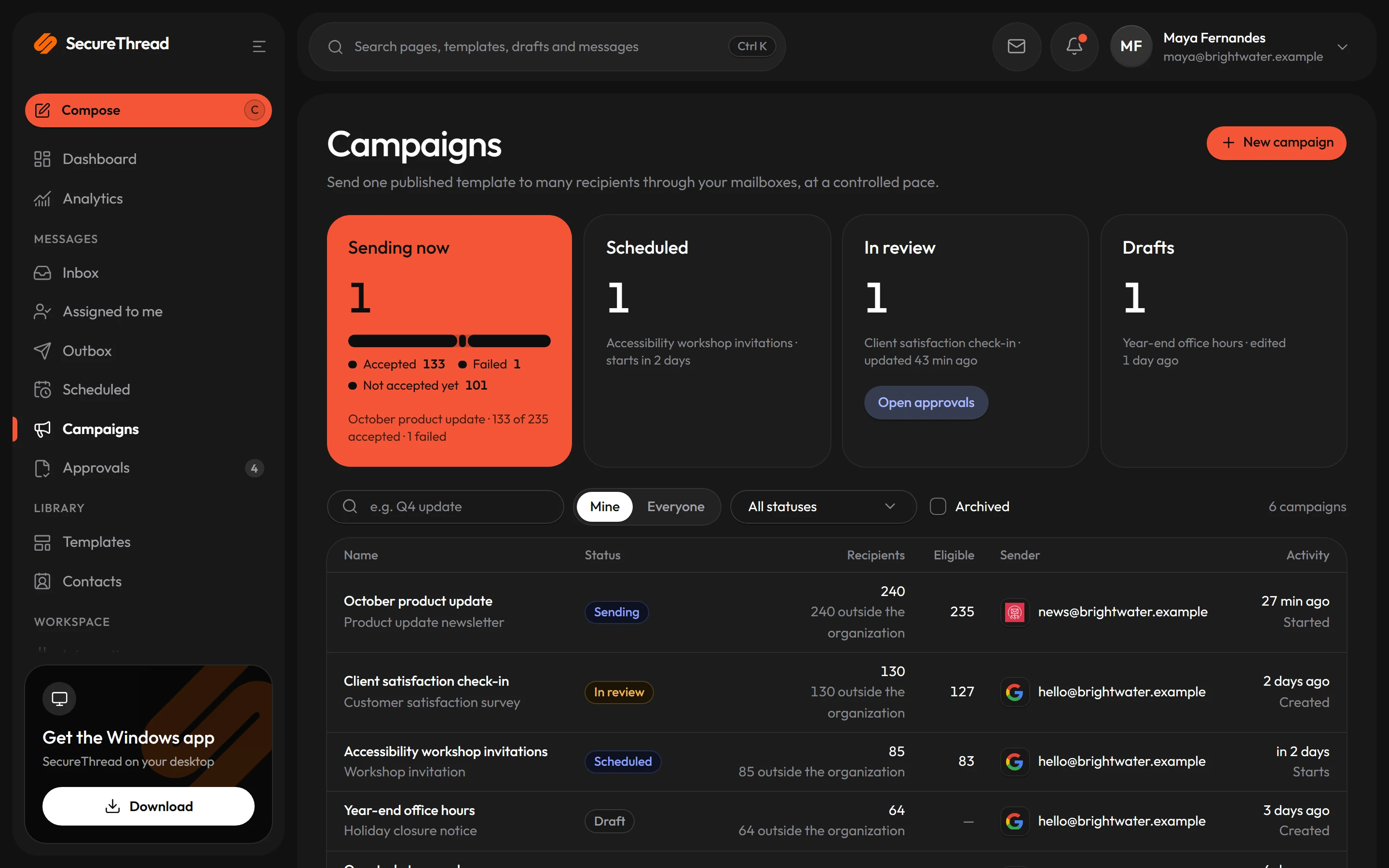
Campaigns with brakes built in
Import recipients, preview each personalized message, confirm explicitly and release at a measured pace.
- Approval thresholds
- Rate-paced release
- Per-recipient results
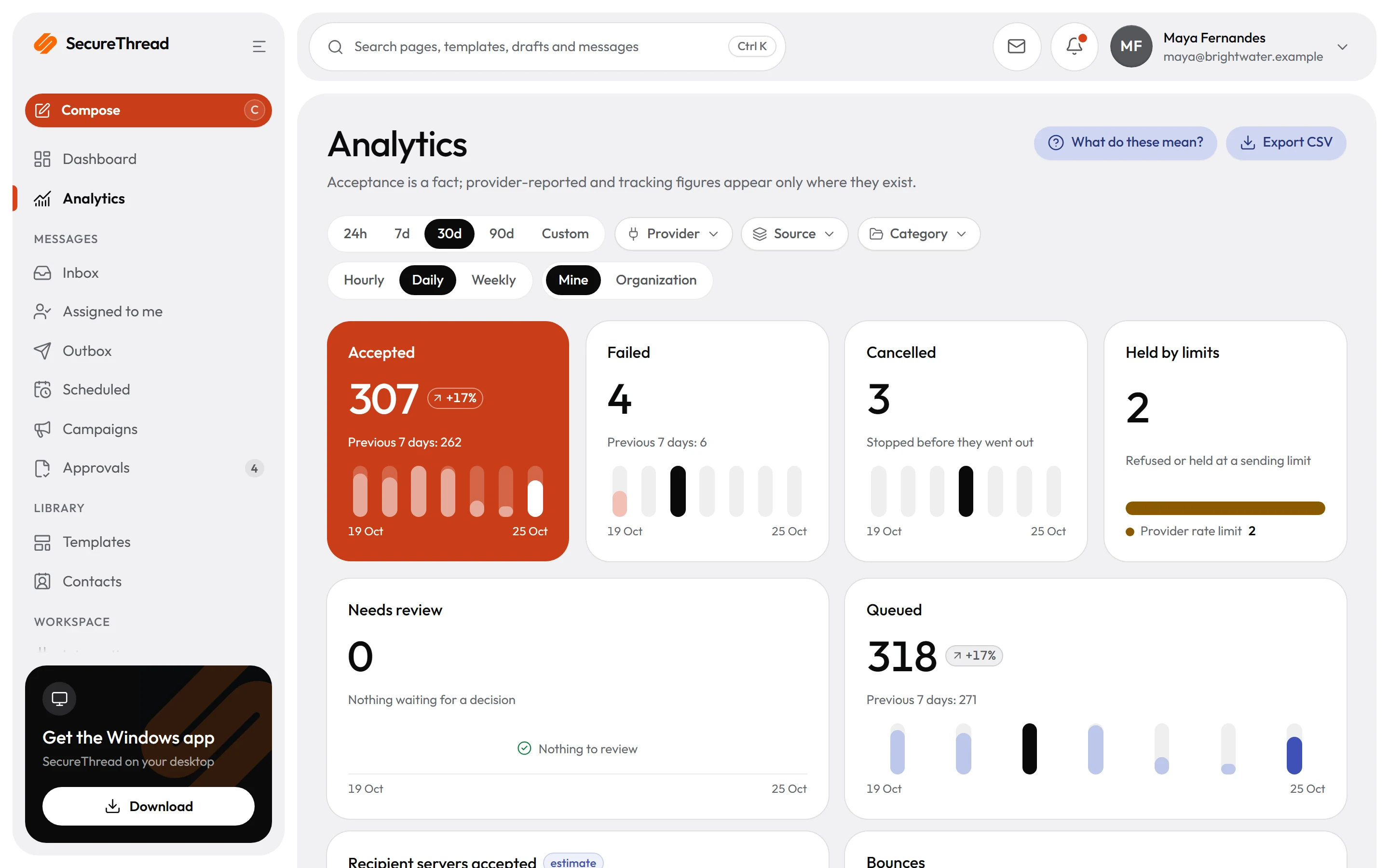
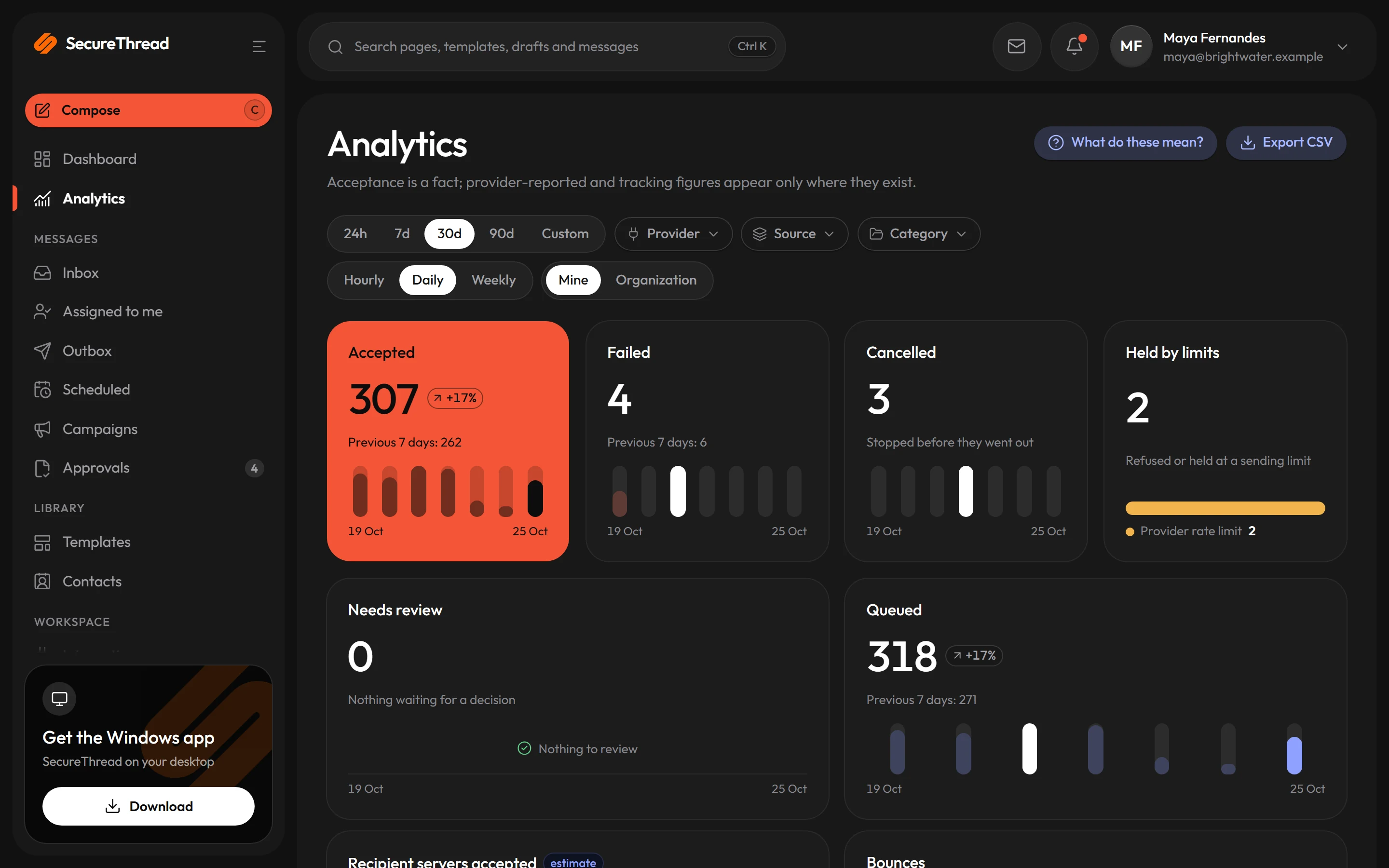
Numbers that say what they know
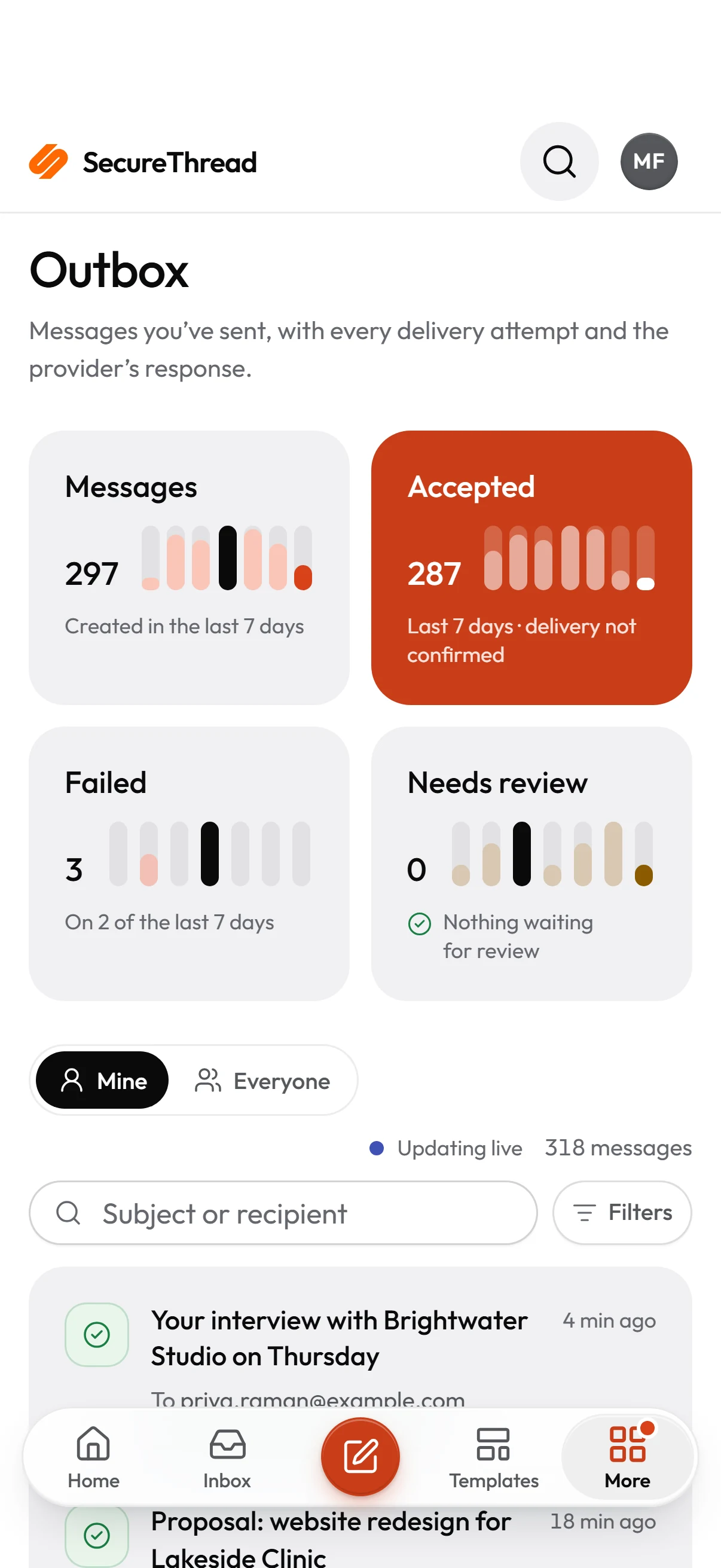
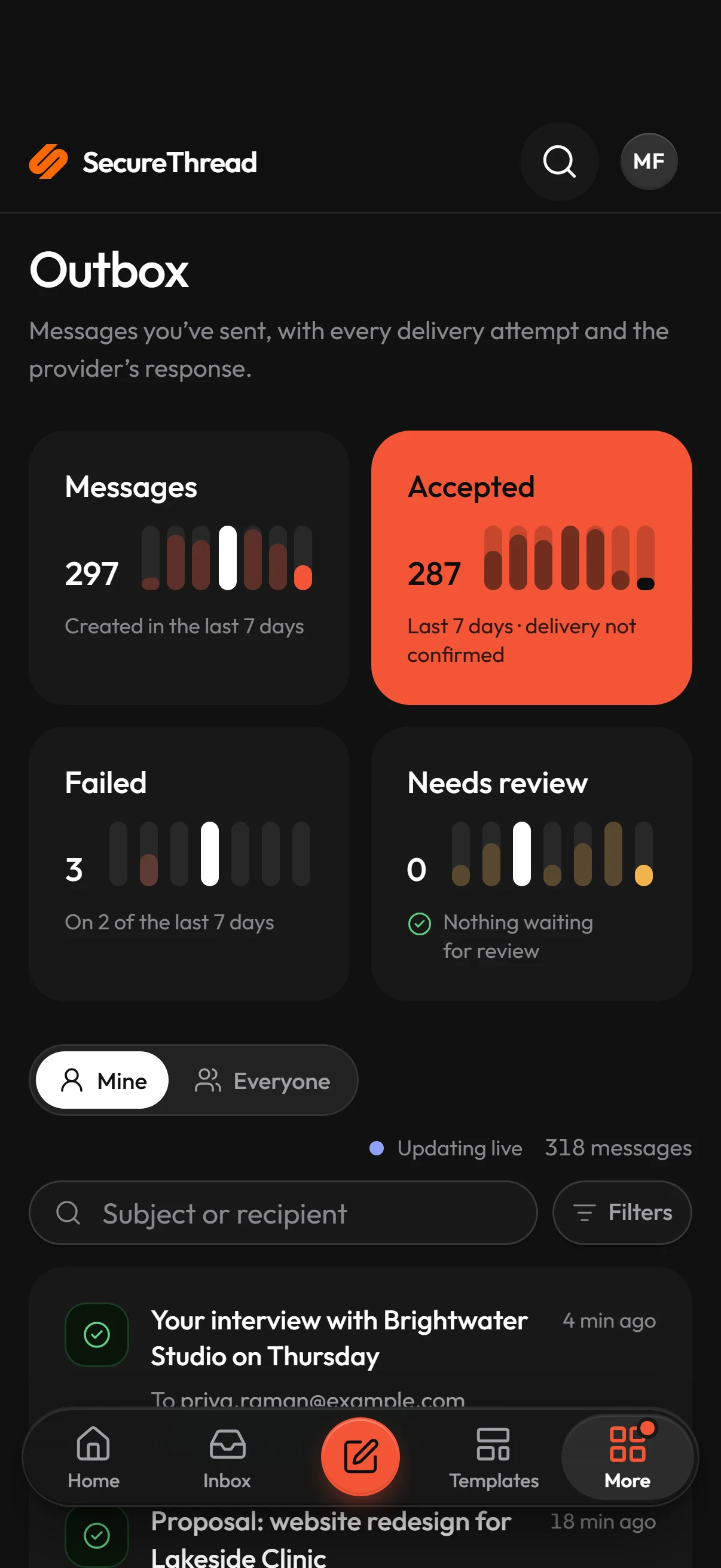
Sending history by provider, sender and template, with coverage shown wherever a provider reports nothing.
- Accepted is never called delivered
- Provider-reported states
- CSV export
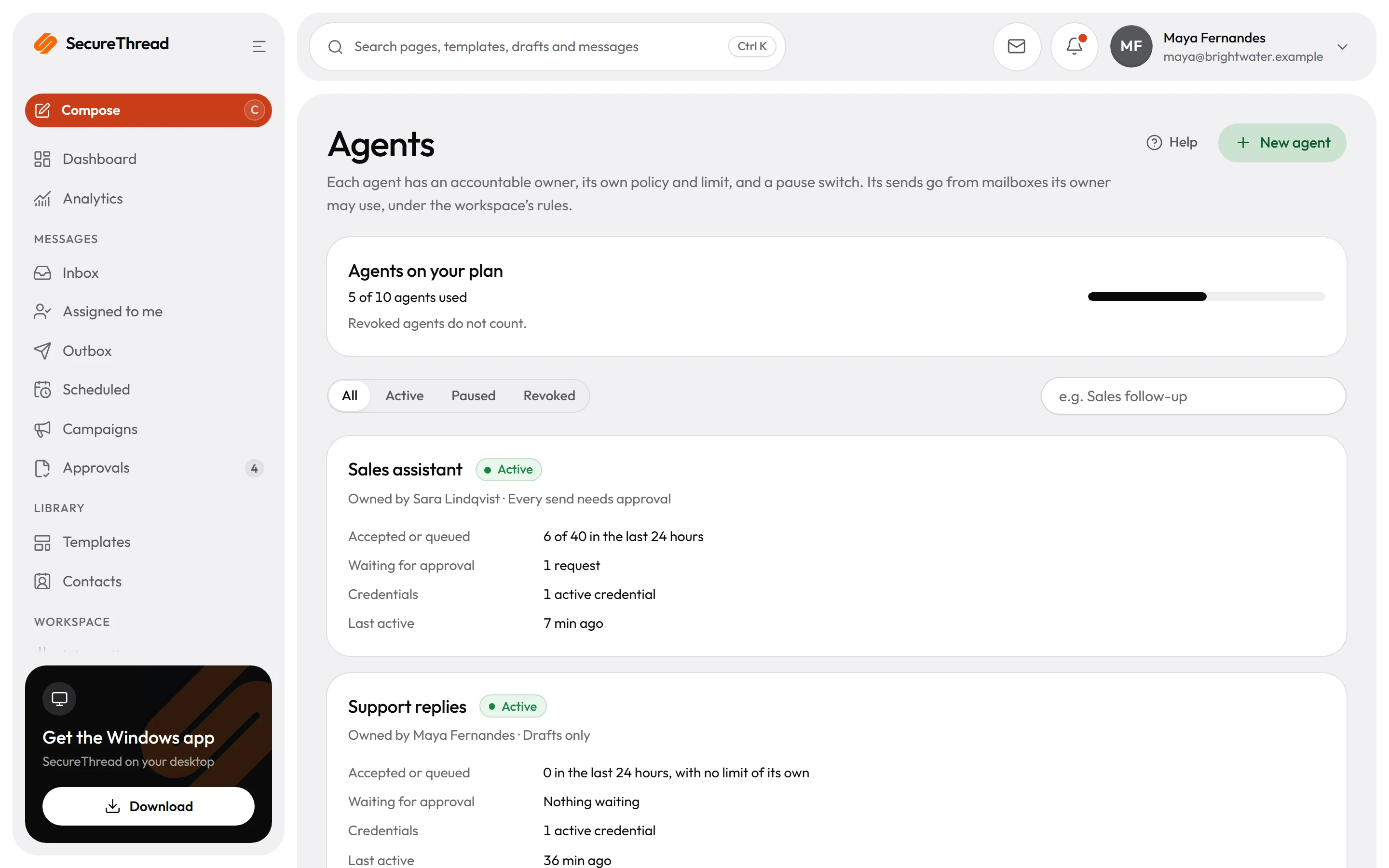
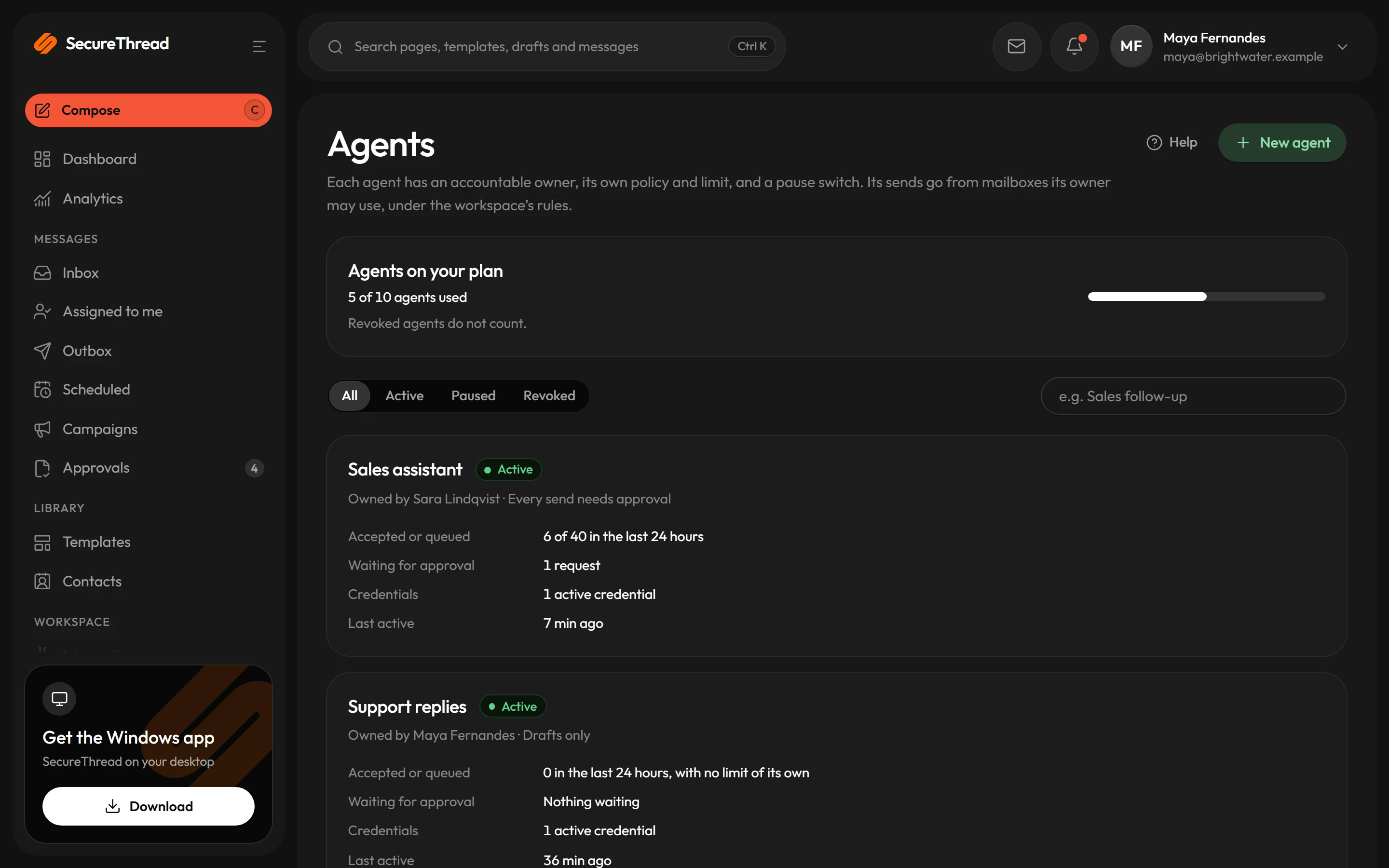
Agents with an owner and a pause switch
Each AI agent has its own identity, policy, limits and a person responsible for it.
- OAuth 2.1 over MCP
- Granular, revocable scopes
- Human approval on every send
AI assistants
AI that drafts. People who decide.
Connect Claude, ChatGPT, Cursor, VS Code or another MCP client to SecureThread. Assistants work through governed access: their own identity, scopes you grant, and a person’s approval before anything is sent.
Without governance
An assistant with a password
Shared credentials, no record of who asked for what, and nothing between a draft and a customer’s inbox.
With SecureThread
An agent with an owner
OAuth 2.1 with per-agent identity, revocable grants, rate limits and idempotency, and a human approval handoff on every send, schedule, workflow and large campaign.
Works with
Connect the mailboxes you already have
Sign in with Google or Microsoft, pick from 31 SMTP mail and relay providers, or connect a sending API. Each provider appears with its own logo, never an imitation.
 Fastmail
 Amazon SES
 SendGrid
 Postmark
Security
Built like a security product
Because it is one. SecureThread holds the keys to your mailboxes, so it is designed to need as little trust as possible.
Security and trustCredentials encrypted at rest
Provider tokens and SMTP passwords are stored only as AES-256-GCM ciphertext, under a key kept outside the database.
Strong sign-in
A password plus a TOTP code or a passkey, or Google Workspace and Microsoft 365 sign-in where an administrator turns it on.
An append-only audit log
Security-relevant actions are recorded with redacted metadata, and audit exports are signed so they can be verified.
Untrusted HTML stays untrusted
All email HTML is sanitized on the server and previewed in a sandboxed frame that runs no scripts.
Template library
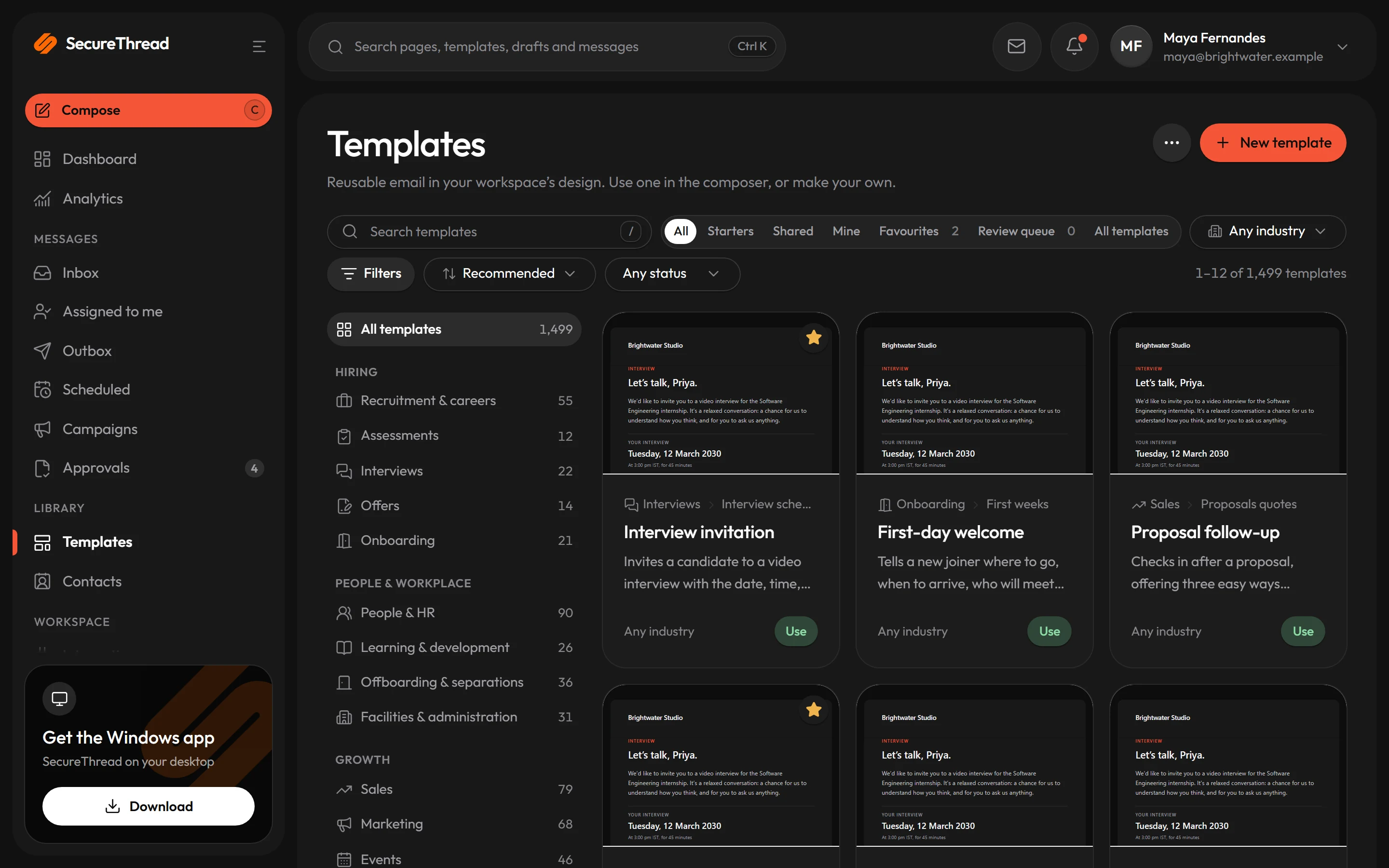
1,499 templates, ready on day one
Professionally written emails for hiring, sales, billing, events, client work and everyday correspondence, all on one email design system with a full dark mode. Every fact is a variable; company details come from your settings.
Apps
On your desk and in your pocket
Approve a send from your phone between meetings, and work from the Windows app at your desk. The same account, the same rules, everywhere.
Windows
A desktop app that keeps itself up to date.
Android
The full app, installed from SecureThread.
iPhone and iPad
Add to Home Screen for an app with notifications.
Web
Any modern browser at app.securethread.co.
curl https://app.securethread.co/api/v1/public/messages \ -H "Authorization: Bearer $SECURETHREAD_API_KEY" \ -H "Content-Type: application/json" \ -H "Idempotency-Key: onboarding-casey-0001" \ -d '{ "templateId": "<template id>", "connectionId": "<mailbox id>", "to": [{ "email": "[email protected]", "name": "Casey Example" }], "variables": { "first_name": "Casey" } }'{ "status": "QUEUED", "messageId": "<message id>"}Developers
Built to be built on
A REST API on scoped workspace keys, signed event webhooks and an MCP server. Every send through the API passes the same checks, limits and approvals as one from the app.
Our promise
Accepted is not delivered. We never pretend it is.
When a provider accepts a message, it has taken responsibility for it, nothing more. So SecureThread shows Accepted by provider, never “delivered” or “read”. Providers that report bounces and complaints are tracked; where Gmail, Microsoft 365 or plain SMTP report nothing, the app says so.
The same rule runs through this site: no invented customers, statistics or uptime figures. What you read here is what the product does.
Live service state is on the status page.
Send your first approved email today
Connect a mailbox, pick a template and send with the checks and approvals your organization needs. No new email address, no new habits.